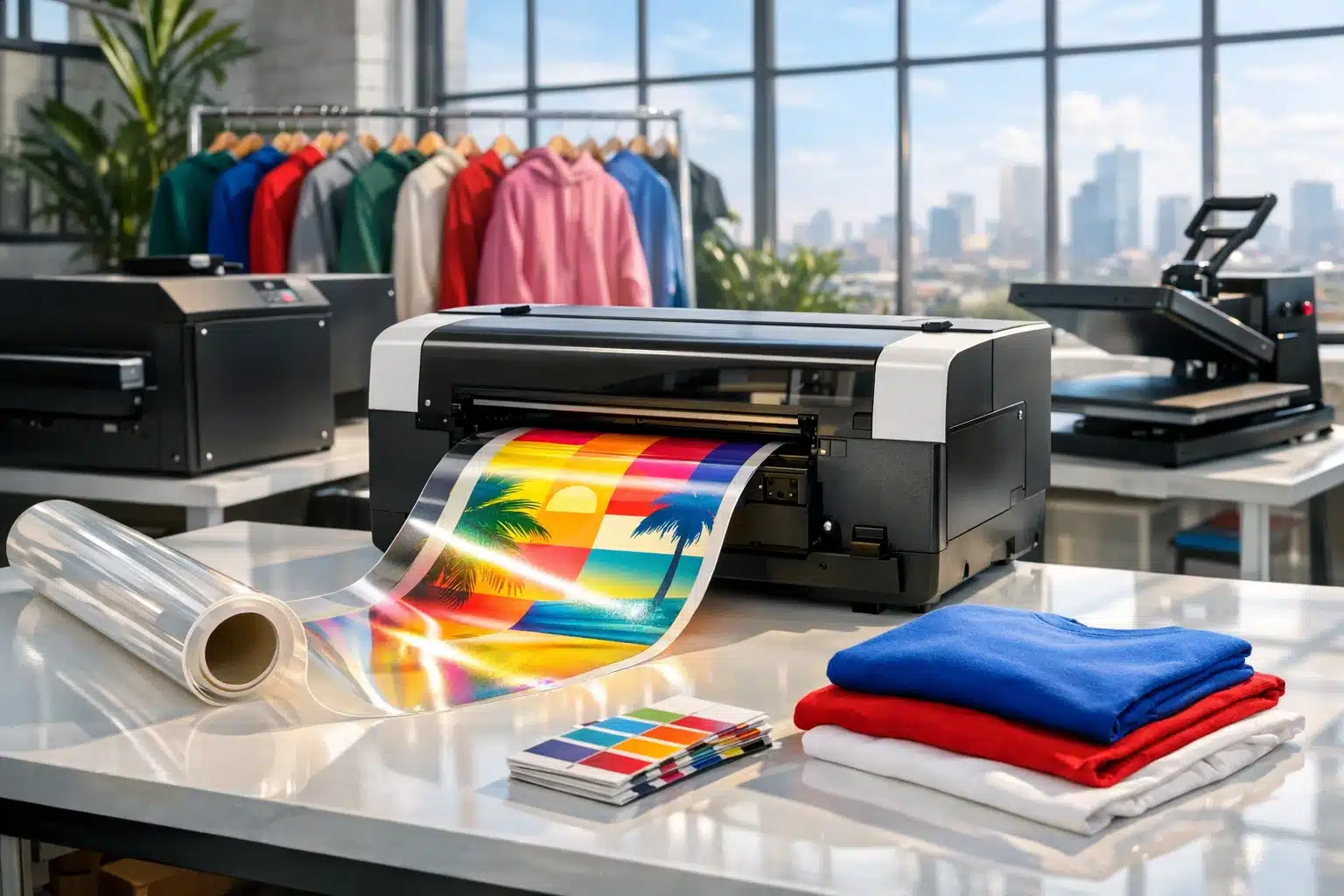
DTF Printer
Buying a DTF printer can feel like standing in front of a wall of nearly identical machines, all promising vivid color, fast output, and smooth production. Yet the right choice depends less on slogans and more on the work you plan to print, the time you can devote to maintenance, and the profit margin you need to protect. A smart purchase begins when you compare the full workflow, not just the printer on the box.
Outline: The Buying Framework Behind a Smart DTF Printer Choice
Before comparing brands, printheads, or price tiers, it helps to map the decision in a practical order. DTF, or direct-to-film printing, allows designs to be printed onto a special film, coated with adhesive powder, cured with heat, and then transferred onto garments. That sounds straightforward, but the buying decision is shaped by more than the printer itself. In real production, image quality, daily upkeep, consumables, and workflow speed are tightly connected. A machine that looks affordable on day one can become expensive if it wastes ink, clogs often, or forces you to slow down every time an urgent order arrives.
This guide follows a simple framework that mirrors how experienced print shops evaluate equipment. Instead of chasing one spec in isolation, such as resolution or maximum speed, it looks at the whole chain from artwork to finished shirt. Think of the printer as the engine, but remember that an engine alone does not make a reliable vehicle. You still need the right fuel system, cooling, tires, and driver habits. DTF equipment works much the same way.
Here is the outline this article follows:
• First, define what you actually need to produce: order volume, garment types, design size, and turnaround expectations.
• Second, compare printer classes by print width, printhead type, and expected output.
• Third, examine print quality and reliability, especially white ink circulation, color consistency, and cleaning demands.
• Fourth, evaluate the full workflow beyond the printer, including powder application, curing, software, and operator skill.
• Fifth, calculate true ownership cost and match the printer to the stage of your business rather than to marketing hype.
This structure matters because many buying mistakes happen when owners skip the boring questions. A startup may buy a wide production printer that sits underused, tying up cash that should have gone into marketing or blank apparel. On the other hand, a busy shop may buy a small desktop unit that quickly becomes a bottleneck, turning every large order into a late-night sprint. The goal is not to buy the most impressive printer. The goal is to buy the printer that fits the business you are running now while still leaving room for sensible growth.
If you keep that principle in view, the market becomes easier to read. The right DTF printer is not the loudest one in the ad. It is the one that can deliver consistent transfers, predictable operating costs, and a workflow your team can manage every single day.
1. Start with Production Reality: Volume, Garments, Print Size, and Turnaround
The first question is not which DTF printer is best. The first question is what kind of work the printer must do for you. This sounds obvious, but it is where many buyers go wrong. They compare machine specs before defining the daily production target. A print shop handling ten custom shirts per day has very different needs from a business producing gang sheets for local brands, sports teams, or online apparel stores. A home-based seller can survive with slower output if space and budget are tight. A commercial shop cannot afford long pauses, repeated cleaning cycles, or limited film width when deadlines stack up.
Begin with order volume. Estimate your average daily and weekly output, then separate it into small custom jobs and repeatable bulk orders. DTF is flexible, which makes it attractive for one-off prints and short runs, but flexibility does not erase production math. If you expect frequent same-day jobs, the printer must recover quickly between tasks and maintain consistent nozzle performance. If you plan to sell pre-printed transfers online, width and throughput become even more important because margins often depend on efficient sheet layout and batch production.
Print size matters just as much. Smaller A3-class systems may be enough for left-chest logos, youth garments, and modest front prints. Wider 24-inch or 60 cm systems are better suited to gang sheets, oversize artwork, and higher output. The wider machine is not automatically better, however. It requires more space, more film, and often a more advanced curing setup. If your common job is a simple 10-inch logo transfer, a large production unit may deliver capacity you rarely use.
Garment range also affects the decision. DTF is popular because it works on cotton, polyester, blends, and many treated textiles, but the demands of your customer base still matter. Sportswear clients may care about stretch, wash durability, and color pop on synthetic fabrics. Fashion brands may prioritize hand feel and fine detail. Event printers often care most about speed and repeatability. Each priority changes the kind of samples you should request from a vendor before purchase.
When defining your needs, write down a short operating profile:
• Average number of transfers per day
• Largest print size you expect to sell regularly
• Peak season volume, not just normal volume
• Available workspace, ventilation, and electrical setup
• Number of people who will operate and maintain the equipment
This exercise turns a vague shopping process into a practical one. It also protects you from buying emotionally. A DTF printer should match the work on your schedule, the garments on your shelves, and the turnaround promises on your website. If those three factors are clear, the rest of the buying process becomes far less confusing.
2. Comparing Printer Classes: Desktop, Mid-Range, and Production DTF Systems
Once your production needs are defined, the next step is understanding the main classes of DTF printers on the market. Broadly speaking, buyers will encounter three categories: entry-level desktop units, mid-range dedicated systems, and industrial or production-scale machines. Each class can produce saleable transfers, but the difference lies in consistency, speed, durability, automation, and how much operator attention is required to keep the system running well.
Entry-level desktop DTF printers are often chosen by small businesses, startups, and side-hustle operators. These systems usually have a smaller footprint and a lower purchase price, which makes them appealing to new entrants. They can be a good fit for learning the process, testing a market, or handling modest custom orders. However, buyers should go in with open eyes. Lower-cost systems may involve more manual handling, less refined white ink circulation, slower output, and more frequent maintenance. In many cases, the trade-off is not quality alone but operator time. A cheaper printer can demand more babysitting, and time is a cost whether or not it appears on the invoice.
Mid-range DTF printers are often the sweet spot for growing apparel decorators. They typically offer wider film options, better printhead configurations, more stable feeding, and stronger support for recurring production. Shops moving from occasional custom work into steady commercial output often find this category attractive because it balances investment with meaningful productivity gains. If your order volume is climbing and missed deadlines would damage customer trust, this range deserves serious attention.
Production DTF systems are designed for high throughput, heavier schedules, and lower friction in the workflow. They may include automated powder application, shaker units, integrated curing, bulk ink systems, and more robust monitoring features. These machines make sense when transfer output is central to the business rather than an occasional service line. Their higher cost can be justified when labor efficiency, uptime, and consistent delivery drive revenue.
When comparing these classes, focus on the details that affect actual output:
• Print width: Common options range from desktop sizes up to 24 inches or wider.
• Printhead design: Single-head and dual-head systems differ in speed and redundancy.
• Ink delivery: Stable white ink circulation is critical because white pigment settles more quickly than standard colors.
• Media handling: Reliable film feeding reduces skew, head strikes, and waste.
• Support ecosystem: Availability of parts, profiles, training, and technical help matters as much as the hardware.
A useful rule of thumb is to match the printer class to business pressure. If you can tolerate slower production and you are still testing demand, a smaller unit may be enough. If your printer will be the beating heart of the shop, invest in a system built for long sessions and repeatable results. In DTF, the machine that looks expensive may actually be cheaper when the real cost of delays, wasted film, and operator stress is included.
3. Print Quality and Reliability: Resolution, White Ink Management, and Daily Stability
Print quality is one of the most misunderstood parts of shopping for a DTF printer because buyers often focus on advertised resolution while ignoring the variables that truly shape the finished transfer. A machine can list an impressive specification and still disappoint in day-to-day use if color management is weak, white ink delivery is unstable, or the printhead struggles to stay consistent over time. In real production, quality is a combination of sharp detail, smooth gradients, solid white coverage, accurate color, clean edges, and dependable repeatability from one job to the next.
White ink deserves special attention because it is both essential and troublesome. In DTF, white is usually printed as an underbase behind color, especially when transferring onto dark garments. White ink contains heavier pigment, commonly titanium dioxide, which tends to settle if it is not circulated properly. When circulation, agitation, or maintenance routines are poor, the result can be clogging, uneven coverage, banding, or expensive printhead issues. This is why a printer with a well-designed white ink system is often worth more than a cheaper model with flashy marketing and weak fluid management.
Ask vendors specific questions, not general ones. Do they offer automatic circulation? Is there a recirculation system near the printhead or only in the tank? How often is manual agitation recommended? What humidity range do they suggest for the room? These questions reveal whether the system has been designed for steady operation or merely packaged for quick sales.
Color quality is another practical issue. Good DTF output depends on the interaction between ink set, film, adhesive powder, curing conditions, and RIP software profiles. That means printer quality should never be judged from a machine spec sheet alone. Request sample transfers on the kinds of garments you actually sell. Wash them. Stretch them. Examine fine text, skin tones, gradients, and saturated colors. Look at both immediate appearance and how the print behaves after pressing and laundering.
Reliable quality also depends on daily stability:
• Nozzle health must remain consistent across multiple runs.
• Film feed should stay straight without frequent adjustment.
• Ink channels must prime and recover without constant intervention.
• Cleaning routines should be manageable for the operator’s schedule.
• The printer should hold color consistency well enough for repeat orders.
This is where the romance of shopping usually fades and the truth begins. A DTF printer is not just a color machine; it is a routine machine. The best one for your business is not necessarily the unit that produces one dazzling sample in a showroom. It is the one that can produce job number fifty with the same confidence as job number one. In a busy shop, reliability is a kind of invisible profit. You do not always notice it when it is present, but you feel the loss immediately when it disappears.
4. The Full Workflow Matters: Powdering, Curing, RIP Software, Maintenance, and Workspace
A DTF printer should never be evaluated in isolation because the transfer process includes several linked stages. After printing onto film, the design must receive adhesive powder, be cured correctly, stored properly if needed, and then pressed onto the garment under suitable time, temperature, and pressure. If one stage is weak, the final result suffers even when the printer itself performs well. For this reason, experienced buyers look beyond the headline machine and assess the entire workflow as a system.
Start with powdering and curing. In small operations, these steps may be handled manually. Manual powder application can work, but it requires consistency and care. Too little powder may reduce adhesion. Too much powder can affect feel and edge clarity. Likewise, curing must be even. Under-curing can lead to poor transfer performance; over-curing can damage the adhesive or alter the finish. Higher-volume operations often move toward shaker and oven combinations because automation improves repeatability and reduces labor. That added equipment increases startup cost, but it can also reduce the number of mistakes that quietly eat away at profit.
RIP software is another critical factor. It controls print order, color management, white underbase behavior, nesting, and often production efficiency. A good RIP setup helps you place artwork intelligently on film, manage ink density, and reduce waste. A poor software experience can slow down every job and make troubleshooting far more difficult. If possible, ask for a demonstration of the actual software workflow, not just the printer in motion. The software should feel understandable to the person who will use it daily, because the most advanced tool in the world is of little help if your operator dreads opening it.
Maintenance is the quiet contract every DTF owner signs. Daily checks, periodic cleanings, nozzle tests, and proper shutdown procedures are part of the deal. Some machines make these tasks easier with automation and accessible service areas. Others require more manual attention. This difference matters enormously when staffing is limited. A printer that demands constant intervention may be manageable for a hobbyist but punishing for a shop juggling sales, design, production, and shipping.
Do not ignore workspace conditions either:
• Stable temperature and humidity help reduce ink and nozzle issues.
• Adequate ventilation supports curing and operator comfort.
• Clean storage for film and powder protects consistency.
• Sufficient bench space improves handling and reduces contamination.
• Reliable heat press performance is essential because transfer quality is completed at press time, not just at print time.
The lesson is simple: the printer is only one actor on the stage. The performance depends on the whole cast. When buyers treat DTF as a full production system instead of a single box, they make better purchases and experience fewer painful surprises after installation.
5. True Cost of Ownership: Budget, Consumables, Support, and Matching the Printer to Your Business Stage
Price is important, but purchase price alone rarely tells the full story. The true cost of owning a DTF printer includes consumables, maintenance supplies, waste, labor, downtime risk, support quality, and the value of your own time. This is why two machines with very different upfront prices can end up surprisingly close in long-term cost, or far apart, depending on how they fit the business. A bargain that clogs frequently, wastes film, or lacks technical support can become expensive very quickly. On the other hand, a higher-priced system with stable output and better workflow may reduce waste, increase turnaround speed, and improve customer retention.
Budget planning should include more than the printer body. New buyers often forget to cost the full startup environment: transfer film, ink, adhesive powder, cleaning supplies, curing equipment, a heat press, spare parts, software licensing, training time, and possibly ventilation or humidity control. Depending on market, package level, and supplier, a starter setup can range from a relatively modest investment into a much larger commercial commitment once all accessories are included. That is why a realistic spreadsheet is one of the best buying tools you can create.
Then there is support. In equipment buying, support is not a side issue; it is part of the product. Ask how technical help is delivered, how quickly parts ship, whether remote troubleshooting is offered, and what kind of onboarding is included. A vendor that answers practical questions before the sale is often more valuable than one that simply offers the lowest number. The printer industry has a simple truth hidden in plain sight: downtime does not care how good the brochure looked.
It also helps to think in business stages:
• Startup stage: prioritize manageable maintenance, modest footprint, and low-risk entry into the market.
• Growth stage: prioritize throughput, better automation, and consistency across recurring orders.
• Production stage: prioritize uptime, integrated workflow, operator efficiency, and dependable support contracts.
If you sell customized apparel as a side business, buying an industrial unit may be unnecessary and financially heavy. If you already run a busy print shop, choosing a fragile entry-level machine may cost you repeat customers when orders spike. The smartest decision usually sits at the intersection of current demand and realistic near-term growth. Buy too small, and you throttle your future. Buy too large, and you burden the present.
A practical buying checklist looks like this:
• What is my total setup cost, not just the printer price?
• What is the expected cost per transfer when ink, film, powder, and waste are included?
• How much operator time does maintenance require each week?
• What happens if the machine stops working during a busy period?
• Does this setup fit my next 12 to 24 months of business goals?
Answer those questions honestly, and the right DTF printer becomes much easier to recognize. Not glamorous, perhaps, but clear. And clarity is worth a great deal when real money is on the line.
Conclusion: Choosing the Right DTF Printer for the Work You Actually Plan to Do
If you are a startup seller, apparel decorator, or print shop owner trying to choose a DTF printer, the most useful approach is to think like an operator rather than a spectator. Focus on what you need to produce, how often you need to produce it, and how much maintenance your team can realistically handle. Compare printer class, print width, white ink management, software, curing workflow, and long-term running cost as one connected system rather than separate boxes on a product page.
The right DTF printer is not simply the cheapest, fastest, or most heavily advertised option. It is the one that fits your daily workload, protects print quality, supports profitable output, and comes with the level of training and support your business needs. When you buy with that level of clarity, you reduce waste, improve consistency, and give yourself a better chance of turning DTF printing into a stable, scalable part of your operation.


